All your film. Tag every play.
Open a game and tag it from a board of buttons as it plays. Every tap lands on the timeline at that moment.
- A running count on every tagged button
- Tags line up on the timeline under the film
The tour
Each screen below is rebuilt from the real product, shown with a demo program. The game film and the two people on the film-session call are AI-generated.
Open a game and tag it from a board of buttons as it plays. Every tap lands on the timeline at that moment.
Start a film session, share your film room on screen and draw on the play while your players follow along from home.
Ask in plain English. Answers come from your own scouting reports, notes and plays, with what it read one tap away.
Build a practice from your drill bank, or draft one from an answer. Type when it starts and every drill gets its time; give a drill more minutes and everything after it moves.
Put games, practices and film sessions on one schedule. Draw plays, then play them back and scrub through them.
Every team and every player in one place, with a depth chart for each team and the athletes still to set up a login.
Reminders and replies, in the same app as the film.
Everything else
One page each, rebuilt from the real product with a demo program.
Tag the game live from the sideline, time a clear and keep the score as it happens.
Go live from a phone on the sideline and share one link. On the Club plan.
Every drill you run, tagged by the skills it works.
Assign wall ball and workouts with a due date, and see who has done them.
A deck of clips with your teaching note on each, ready for film day.
Counted from the plays your staff tagged.
Every opponent player and their tendencies, ready for game day.
Their trainings in one stack, each one a tap from Mark complete.
Their athlete's schedule, and one tap to say they're going.
Who it's for
The same account scopes itself to whoever is using it — from a full roster to a single athlete.
Film room, playbook, trainings and the roster — the whole toolkit.
Every squad in one dashboard, with coaches set per team.
Your film, your trainings, your coach's notes.
Your own athlete's clips, messages and schedule.
How it works
No proprietary hardware. Record, upload, and the film is ready for your staff and your players.
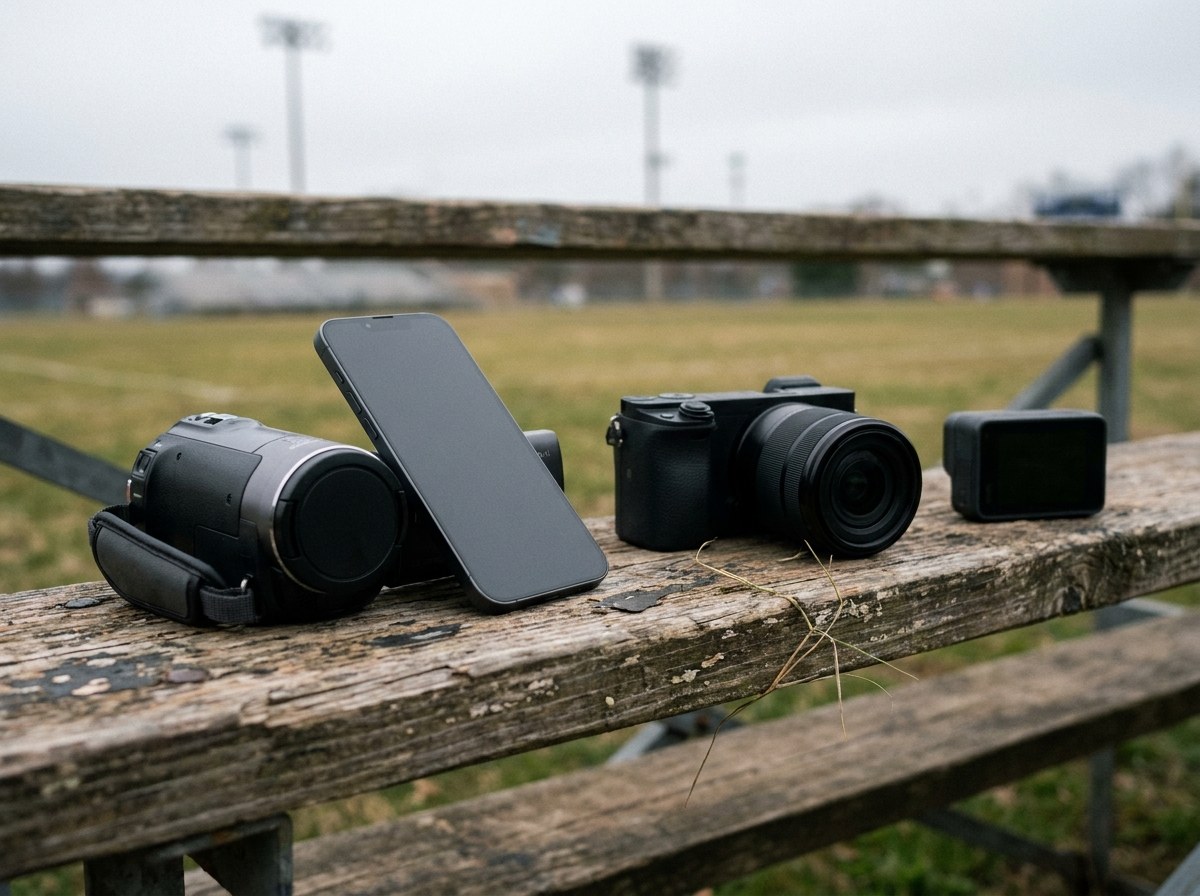
Phone, camcorder, action cam — any camera.
From your phone, tablet or computer, straight to your film room.
Tag, clip, draw, and send it to the player who needs it.
Going live? Stream a game from a phone on the sideline — anyone with the link can watch. Stream from a separate camera and the game also saves to your film room. Live streaming is on the Club plan.
Start free
Upload a game, tag it, and send your players their first clips. No sales call.
FAQ
Up to three hours of film in total, across any number of games, on one team, free for 30 days from the day you create your program. Every second you upload counts toward the three hours, even if you later delete the film. After the 30 days, choose a plan to keep using OurSight. Film sessions and photo, video and file messages come with a paid plan, and live streaming with the Club plan.
The one you already own — a phone, camcorder or action camera. There's no proprietary hardware to buy.
Yes — a full-quality MP4 of any film, one game at a time, through a paid 7-day download window per program.
On the Club plan, you can go live from a phone on the sideline and anyone with the link can watch — no account needed.
Paste in your roster and schedule, and upload your old game film in bulk — each game is dated from when it was recorded, when the file carries that date.
Film, tagging, telestration, insights and team tools work for any sport.